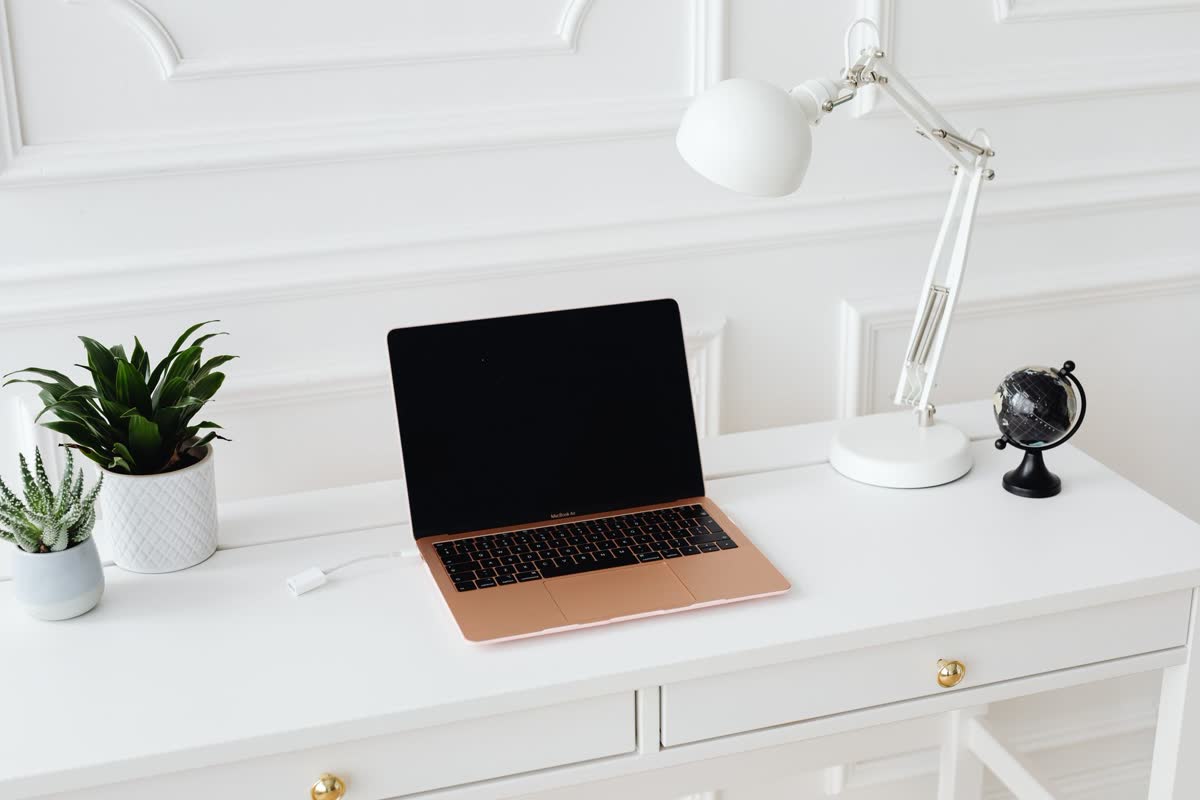
A dedicated spot to do homework does more than look tidy — it quietly signals “time to focus,” ends the daily “where are my supplies” scramble, and it works for everyone from a middle-schooler to a college freshman. Here’s how to set one up that actually gets used, and the few things worth buying.
▶ Watch the quick version — then read the full guide below.
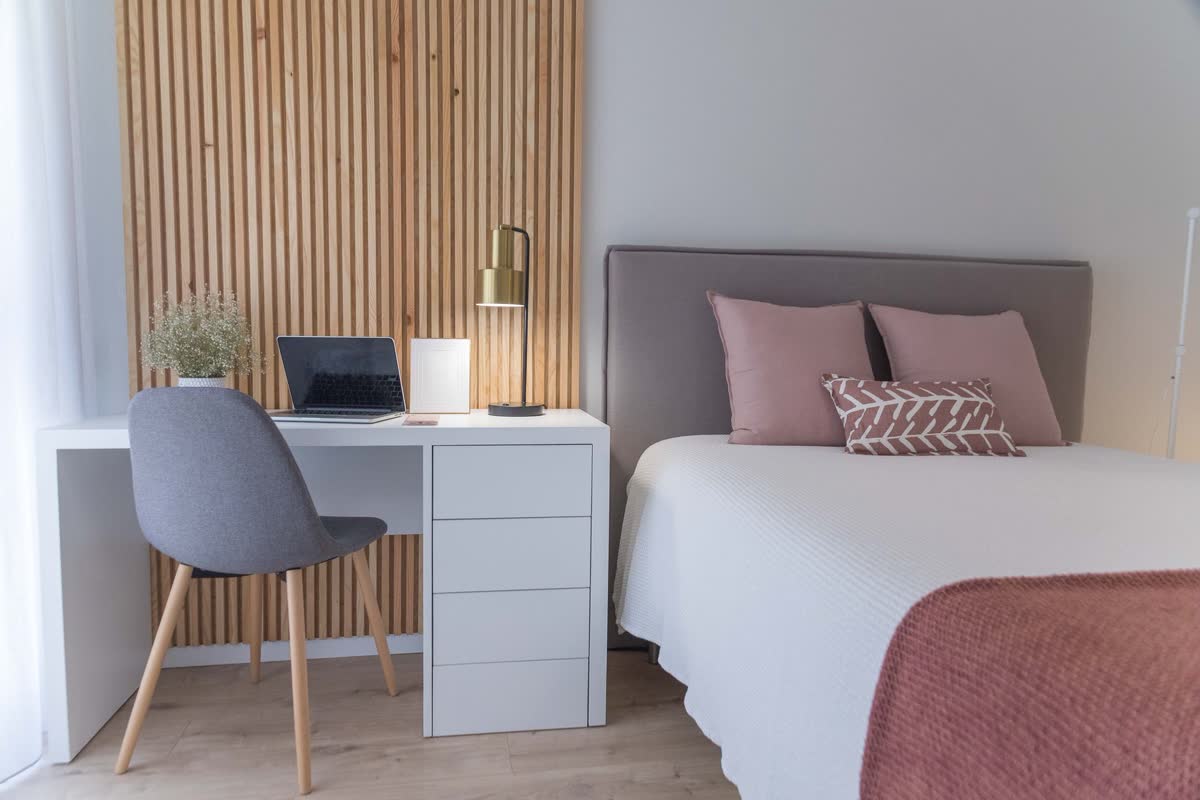
Start with the right desk
You don’t need much — just a stable surface at the right height with room for a laptop and an open notebook side by side. In a shared or small room, a compact desk against a wall keeps it from taking over. Skip anything wobbly; a shaky desk is the fastest way to a kid who won’t sit there.
As an Amazon Associate, Clearly earns from qualifying purchases.
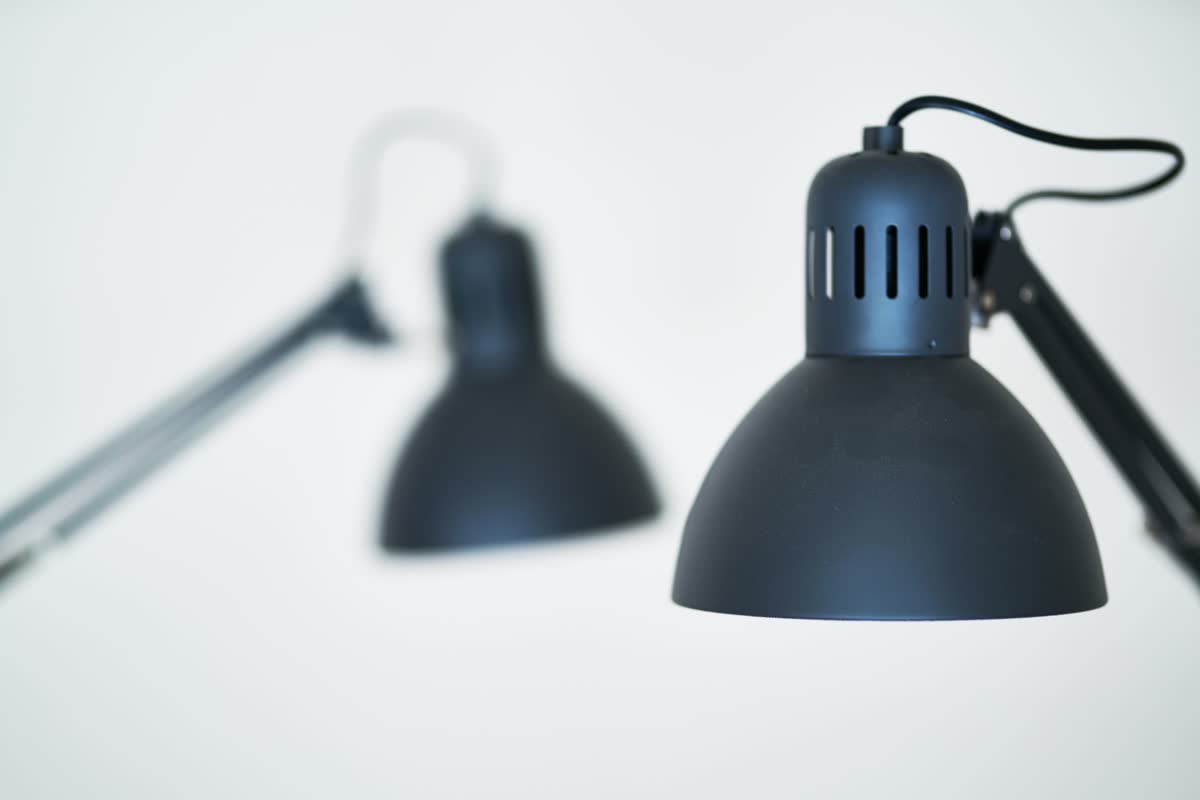
Get the lighting right
Overhead light alone leaves shadows on the page and tires the eyes. Add a task lamp on the side of the writing hand (the left, for righties) so there’s no shadow, and choose a bright, cool bulb for focus. It’s the small upgrade that makes a desk actually usable once the sun goes down.
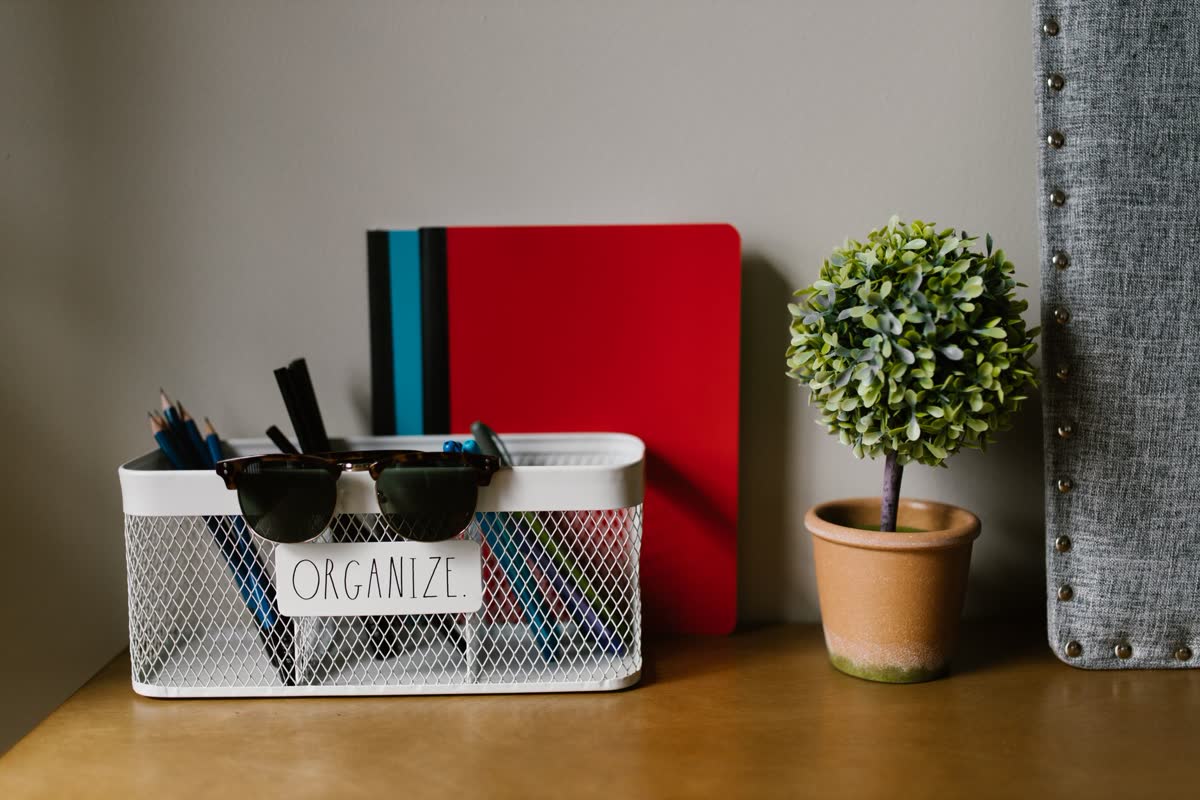
Give every supply a home
The number-one reason a homework spot stops getting used: the supplies wander off. A small caddy or a couple of drawer organizers for pens, chargers and sticky notes means everything’s there when it’s needed — no fifteen-minute hunt before the work even starts. Label it if you have to.
Seat them so they can focus
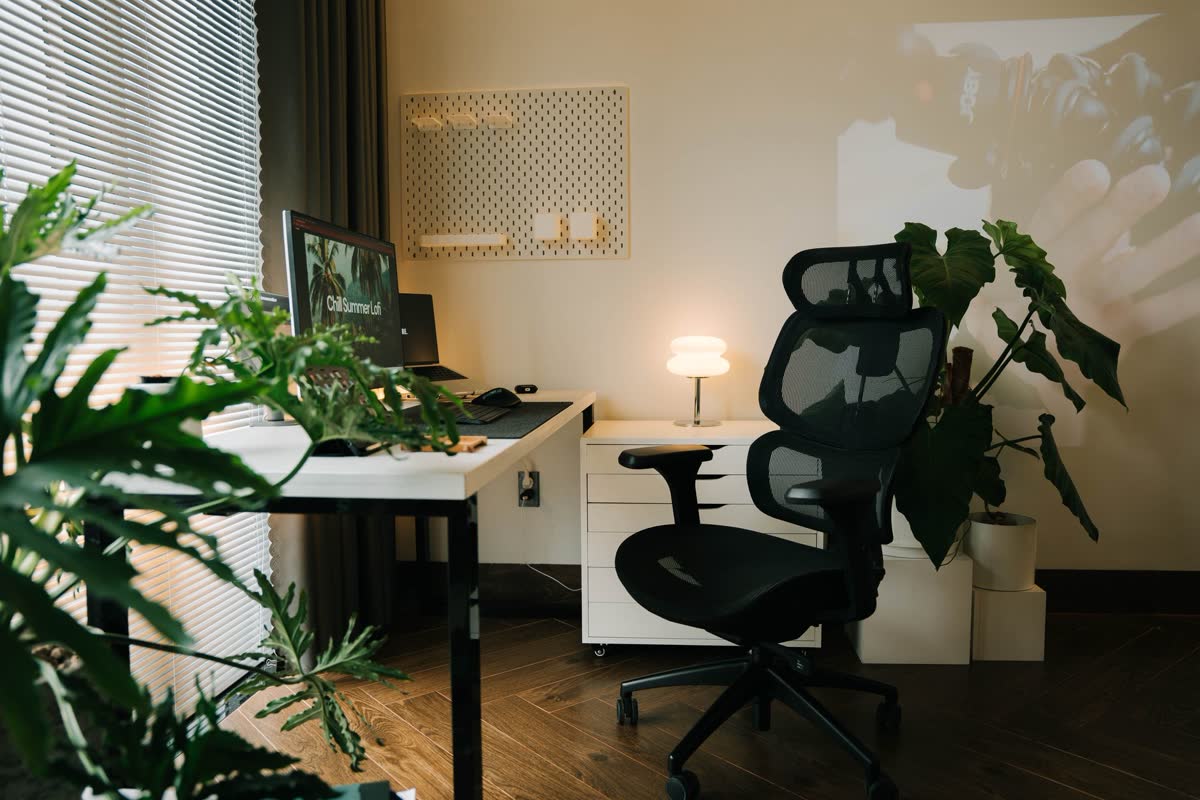
A kitchen chair works for ten minutes; a supportive one works for an hour. Look for a seat where the feet rest flat and the back is supported — and for a smaller kid at a grown-up desk, an adjustable chair or a simple footrest keeps them comfortable enough to actually stay put.

Sort the power, focus & the laptop
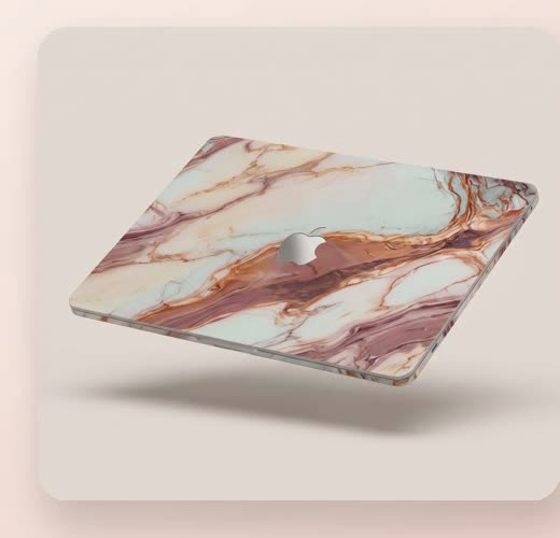
Set the desk near an outlet, or add a surge protector with USB, so devices charge where they’re used instead of on the floor across the room. A pair of headphones helps in a busy house. And since the laptop is the centerpiece — and takes the most daily wear — a skin protects it from scratches and, honestly, makes them want to use it.
Tame the cables and chargers
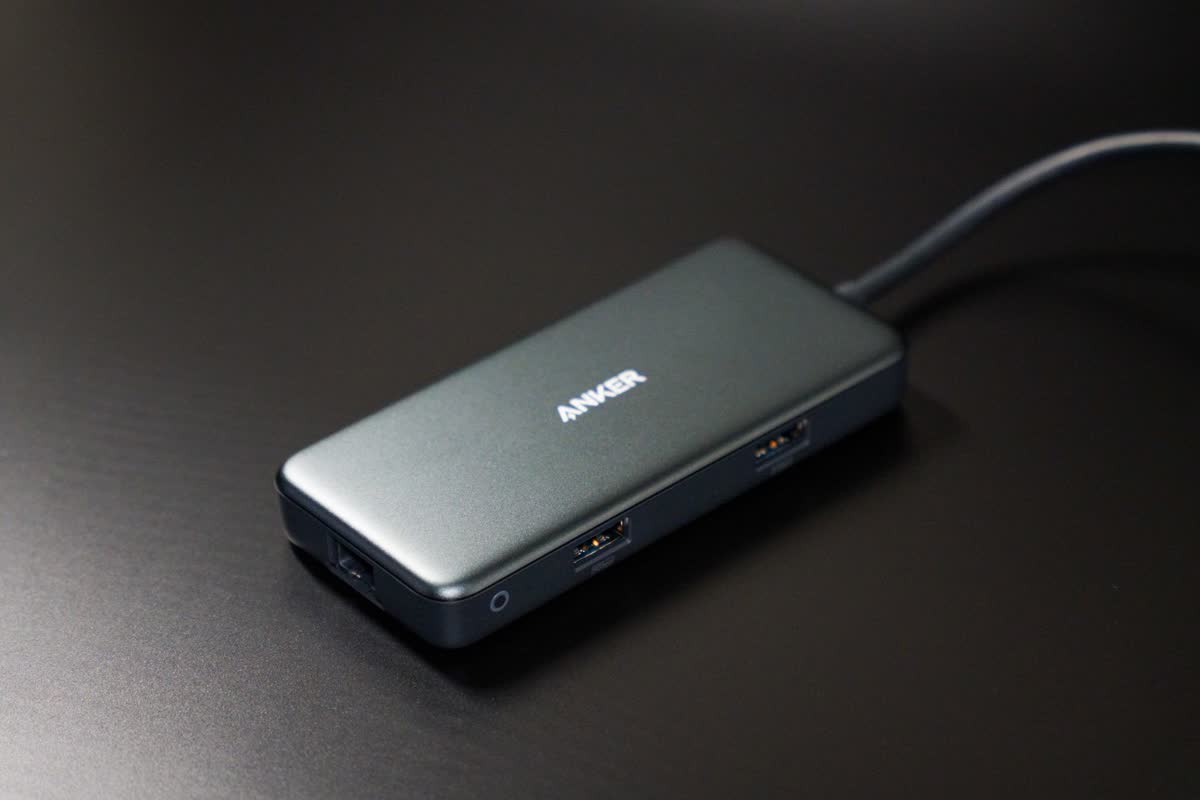
Nothing wrecks a clean desk faster than a nest of cords and a charger that’s always missing. A small charging station keeps devices topped up in one spot, and a few cable clips stop the tangle. For an older student on a laptop, a docking station is the upgrade — plug in once for the monitor, keyboard and power.

Put it on the wall
A homework spot works better when the important stuff is visible. A cork board or a small magnetic whiteboard above the desk turns “when’s that due?” into a glance — pin the assignment sheet, a weekly schedule and a couple of photos to make the space theirs. Bonus: it keeps the desktop clear.
Raise the screen, rest the feet
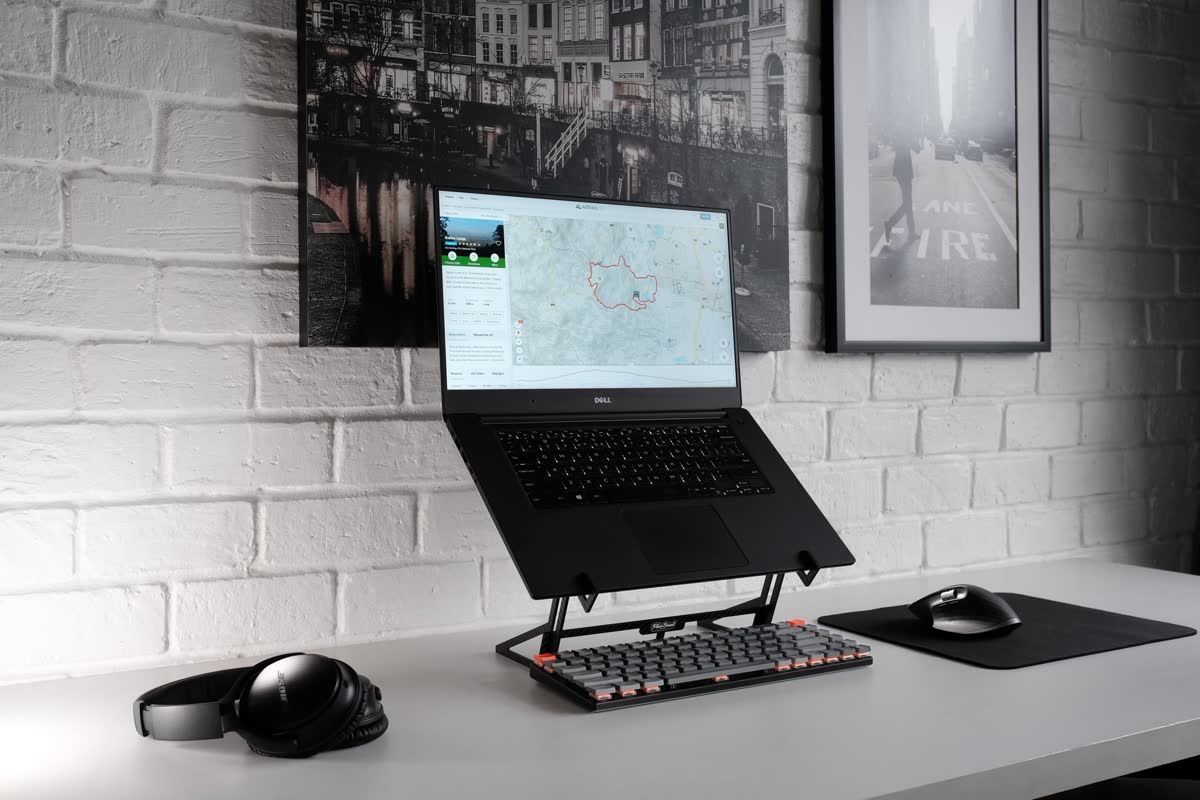
Two small add-ons pay off for years of good posture: a laptop stand lifts the screen to eye level so they’re not hunched over the keyboard, and a footrest lets shorter legs sit properly at a tall desk. Pair a stand with a separate keyboard and the posture takes care of itself.
Make it stick
The trick isn’t buying more — it’s keeping the spot consistent. Same place, everything within reach, decent light. Set it up once, keep it stocked, and “go do your homework” stops being a fight. More seasonal home & school guides are on the way.
Browse all Clearly tips →